Back to Projects

AI Explorations

Building with AI to understand where design and artificial intelligence intersect.

Category

AI-Assisted Design

Clients

Self-initiated

AI Video with Intention

A few weeks of picking apart AI video tools to see what they could actually do, not as isolated demos, but chained together into one continuous short film. Every shot moves between different generators depending on what each one is good at, edited and composited by hand so the whole thing plays as a single intentional piece rather than a pile of separate clips stitched together. The interesting part wasn't any one tool. It was figuring out when to switch: which generator to reach for depending on whether a shot needed a locked pose, an open-ended motion, a style change, or lip-syncing. That kind of tool hopping is closer to how I actually work as a designer, picking the right instrument for the moment rather than getting attached to one workflow.

BUILT WITH

Grok Imagine

Environment stills, style restyles, HUD graphics, prop and expression generation

Kling

Locked start/end-frame transformations

Seedance

Open-ended motion, lipsync

Runway

Video-to-video editing, lipsync

Eleven Labs

Voice generation and sound design

Claude

Prompt engineering, troubleshooting across AI tool chain

After Effects

Full compositing, color, overlay work, final assembly

The AI / UX Tool Chest

An interactive guide to the AI tools I'm actively using and recommending as of 2026.


Explore the Tool Chest

Waiver Wire AI — Fantasy Football Prototype

A mobile app concept showing how an AI assistant could guide real-time roster decisions through conversation. The user picks a path, selects players, and the AI adapts, with real branching logic, dynamic state, and animated transitions throughout. Built as a deliberate exercise in AI tool traversal, using five tools from the microsite above, each chosen for a specific phase:

BUILT WITH

Claude

UX strategy, decision-tree logic, and prompt authoring for every other tool in the chain

Bolt

rapid prototyping, screen structure, and the full branching state machine

Figma AI

visual consistency auditing and style direction exploration

Cursor

micro-interaction polish, animation work, and targeted code edits

GitHub

version control and the Bolt-to-Cursor handoff

View GitHub Repo
Baseline A.I. — Briefing Tool for Product Teams

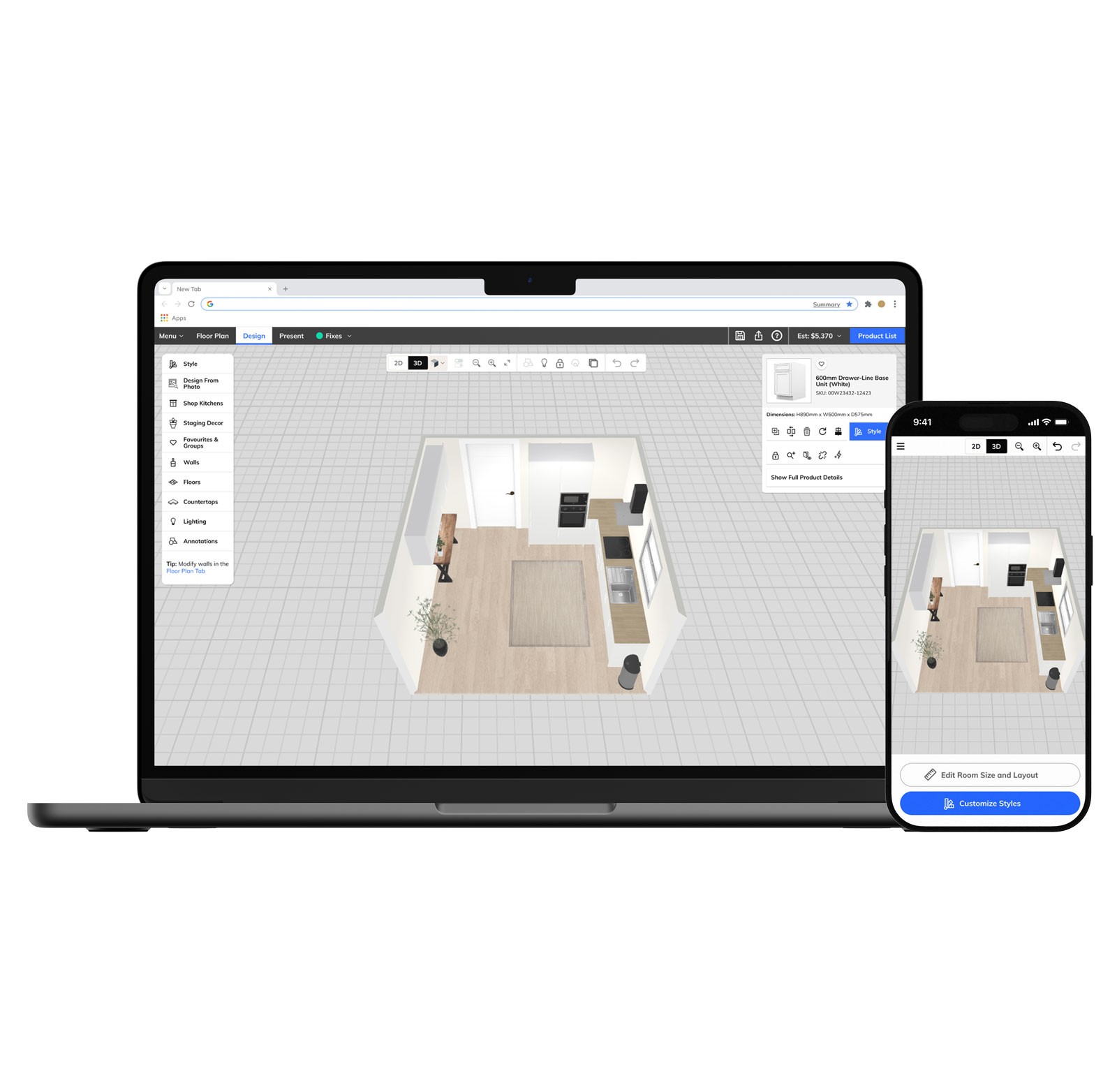
Product Owners started using AI to write feature briefs. The output got longer, more exhaustive, and increasingly detached from reality. Assumptions disguised as facts, contradictions buried in bullet points, scope decisions made implicitly rather than explicitly. UX teams were inheriting ambiguity at scale. Baseline is my attempt to fix that. Instead of generating a document, it has a conversation. It asks clarifying questions, surfaces assumptions, and flags contradictions in the requirements before they become design problems. The output is a structured Design Brief that a UX professional can actually work from.

How It Works

A Product Owner types a feature idea the way they actually would: conversational, unstructured, still taking shape. Baseline paraphrases what it heard, asks targeted follow-up questions, and pressure-tests the brief before producing it. The system prompt behind it was designed across multiple sessions with Claude, iterating on tone, behavior guardrails, and conversation flow until the AI felt like a thoughtful teammate rather than a form generator. The interface was built with v0 and deployed on Vercel, with the Claude API integrated via a server-side route. The full conversation history passes on every call so Baseline maintains context throughout the session.

Try it below. Type a feature idea the way a Product Owner actually would, vague is fine.

Try it below. Type a feature idea the way a Product Owner actually would, vague is fine.